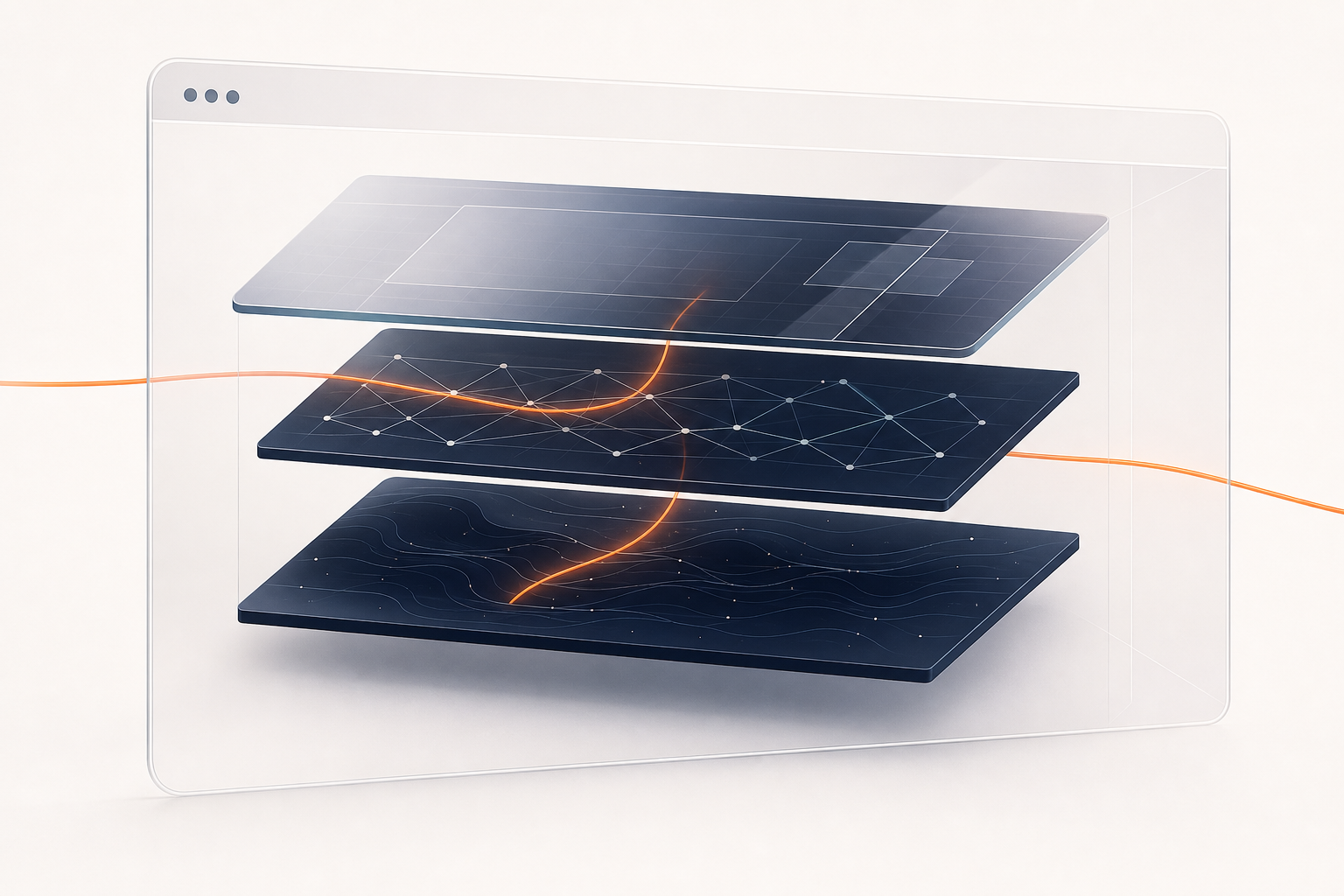
If a screen-sharing tool says it uses WebRTC, the useful question is not “is WebRTC good?” The useful question is: what does the browser handle, and what does the app handle?
WebRTC, short for Web Real-Time Communication, is the browser technology that lets web apps send live audio, video, and data between browsers. For screen sharing, that means the browser can ask you to choose a screen surface, attach that capture to a peer connection, test candidate network paths, and encrypt the media path before screen frames move.
Linkside uses WebRTC for the sensitive media path. Linkside’s job is narrower: create a temporary room, help the browsers exchange setup messages, show the right buttons, and clean up when the session ends.
WebRTC Pieces Linkside Uses
WebRTC is not a single “share screen” button hidden in the browser. It is a set of related browser APIs and protocols for real-time communication.
Three pieces matter most for a plain-English WebRTC screen sharing explanation:
getDisplayMediaasks the browser to show its screen picker and return aMediaStreamfrom the surface the user chooses.RTCPeerConnectionrepresents the real-time connection between the host browser and viewer browser.- ICE is the network-finding process that tests candidate paths between the two browsers.
There are also session descriptions, offers, answers, ICE candidates, and transport details. You do not need to memorize those to judge whether the system is trustworthy. The main idea is simpler: the browser implements capture, peer connection setup, and media encryption. The app coordinates the experience around those browser capabilities.
For the step-by-step handshake, read how peer-to-peer screen sharing actually works. This post stays at the trust boundary: browser versus app.
What the Browser Does
When you click Share in Linkside, the app calls navigator.mediaDevices.getDisplayMedia({ video: true, audio: true }). The browser then shows its own picker. You choose a tab, window, or screen, and the browser returns a media stream from that choice.
That picker is a privacy boundary. The browser has to ask you to choose what display surface to share, and screen-capture permission is not something the page can persist for later reuse. Linkside can request capture, but it cannot silently select a tab or window in the background.
Once there is a stream, the browser’s WebRTC stack takes over the connection work. A peer connection is created. The screen tracks are attached to it. The host browser creates an offer, the viewer browser creates an answer, and both sides exchange ICE candidates so they can test possible network routes.
When ICE selects a direct route, media can travel browser to browser. If direct networking fails, a TURN relay can forward packets between the two sides. Either way, the media path is encrypted by the browser. WebRTC requires SRTP/SRTCP for media, requires DTLS-SRTP to be offered for media channels, and does not allow JavaScript to read the negotiated key material.
That last point is why WebRTC matters for private screen sharing. Encryption is not a custom checkbox in the page UI. It is part of the browser media path. For the longer boundary check, see is screen sharing encrypted?.
What Linkside Does
Linkside’s WebRTC work is coordination, not screen processing.
We create the room. We give the host a link to send. We run the signaling service that carries setup messages between the host and guest: offers, answers, ICE candidates, presence, and room control events. WebRTC does not define the signaling transport, so the app has to provide one.
That signaling service is not the screen stream. It routes setup and room-control events; it does not carry MediaStream tracks. The screen content moves over the selected WebRTC media path: direct when possible, relayed when necessary.
We also make the product decisions WebRTC does not make for you. Linkside does not require accounts. It does not record sessions. It does not keep persistent rooms. It recommends desktop Chrome or Edge for hosting because that is the host experience we design and test around first.
For more on the no-install side of that decision, read how to share your screen without installing anything.
Why Peer-To-Peer First Matters
Peer-to-peer first means Linkside tries the direct browser-to-browser path before using a relay. When ICE selects that direct path, screen packets do not pass through a Linkside media server.
It does not mean “peer-to-peer only.” Some networks do not allow a viable direct candidate pair. WebRTC accounts for that with ICE, STUN, and TURN. STUN helps a browser discover how it appears from the public internet. TURN provides a relay address when direct communication is not possible.
In Linkside, the relay is a fallback path, not the default media architecture. The relay forwards encrypted WebRTC packets. It does not get the browser-managed media keys, and it does not see your screen content.
The longer networking version is in STUN vs TURN explained.
What Linkside Can See
Trust also depends on being clear about what the service still has to observe.
The signaling worker sees that a room exists, the rough timing of guest joins, and the duration of the session. That is the operational shape of the room, not the screen contents.
When the relay fallback is used, the relay sees encrypted packet routing. Cloudflare’s edge sees IP-level traffic to the relay endpoints. Those systems are part of operating the service, but they do not receive the media keys and they do not see the screen frames.
Linkside uses those observations to operate the live service. It does not retain them long-term or pair them with identity.
What WebRTC Does Not Solve
WebRTC supplies browser APIs and protocols for real-time media. It does not make the product decisions around that media.
It does not decide whether an app records your session. It does not decide whether the product requires an account. It does not decide whether rooms persist after the call. It also cannot protect content after you intentionally show it to the viewer’s device.
Those are product decisions and endpoint realities. In Linkside, the defaults are fixed: no account wall, no recordings, no persistent room history, and temporary room state that disappears after the live session lifecycle ends.
WebRTC also does not make every browser identical. Linkside works in browsers, but hosting is best on desktop Chrome and Edge. Firefox and Safari can host with caveats, and mobile browsers are typically better as guests than hosts.
The Trust Model In One Sentence
The browser captures and encrypts the media; Linkside sets up the room, carries the setup messages, and gets out of the media path when a direct path works.
That is why WebRTC matters for Linkside screen sharing. It lets a browser app rely on browser-managed capture, peer connection setup, and media encryption without asking you to install a desktop client, create an account, or route every session through a permanent meeting system.
Create a Linkside room and check the boundary yourself: the browser picker asks what to share, Linkside sends the invite, and WebRTC carries the stream.