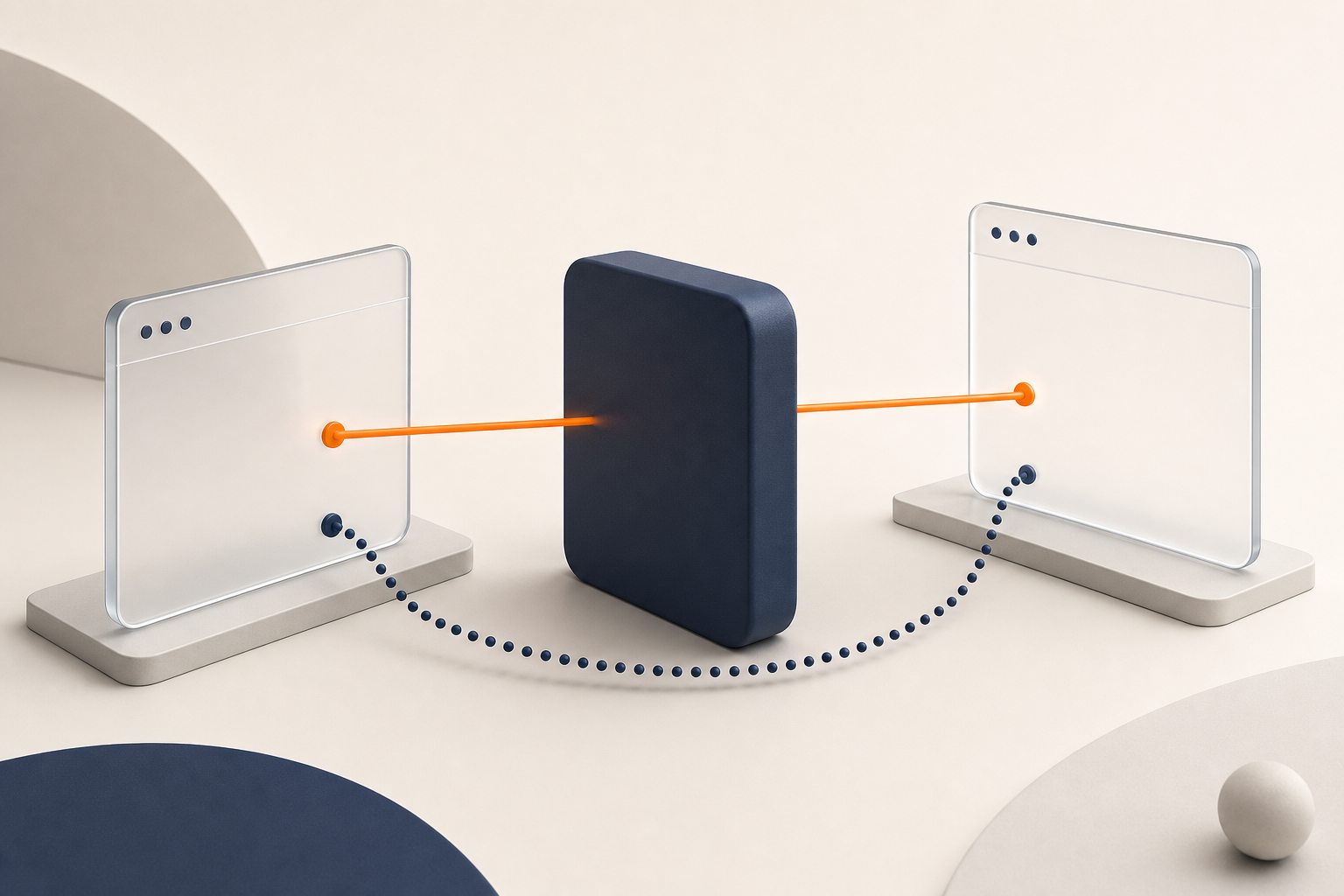
Two browsers sit on opposite sides of the internet. One is on a coffee-shop network behind a router it does not control. The other is on a home connection behind another router. Both can open outbound connections, but neither browser has a simple public address where the other browser can knock.
That is the networking problem behind peer-to-peer screen sharing. WebRTC gives browsers a way to find a path for media. ICE decides which path to use. STUN helps discover direct paths. TURN relays the stream when a direct path is blocked.
Those names are easy to blur together, but the difference matters if you are deciding whether to trust Linkside for private, fast screen sharing. STUN is how Linkside tries to keep your stream browser-to-browser. TURN is the encrypted fallback when the network will not allow that.
ICE is the orchestrator
Before STUN or TURN decides anything, ICE is in charge. ICE - Interactive Connectivity Establishment - is the process a browser runs to find a working path between two peers.
ICE gathers candidate addresses, exchanges them with the other browser through signaling, then tests pairs of candidates until one works. In plain English, a candidate is an address the browser can try.
Some candidates are local network addresses. Some come from STUN. Some come from TURN. ICE is the decision-maker that tests them and chooses the working route.
What STUN actually does
STUN - Session Traversal Utilities for NAT - has one narrow job: tell your browser what IP address and port the outside internet sees for it.
When your browser sits behind a home router, it has a local address like 192.168.1.42. The router assigns a public address — say, 203.0.113.7:54321 — when it sends packets out. The browser doesn’t know that public address directly; the router does the translation transparently.
STUN works by sending a small UDP packet to a STUN server somewhere on the public internet. The STUN server responds with “I saw your packet arrive from 203.0.113.7:54321”. Now the browser knows: that’s the address the other peer should try to reach me at.
That is the whole trick. STUN is a question-and-answer protocol for “what does my address look like from outside this network?” It helps create server-reflexive ICE candidates, but it does not carry the screen share, audio, or video.
Linkside’s default browser configuration points at three STUN endpoints: two Google STUN URLs and one Cloudflare STUN URL. That gives the browser more than one place to ask the same basic question. A STUN server can see the source IP and port of the packet it receives; it does not receive your media content.
When STUN isn’t enough
STUN works when the two networks allow packets to find their way back through the mappings created by each router.
It stops being enough when a network is stricter. Some NATs create a mapping that is valid only for one outside destination. The address learned through the STUN server is valid for talking to the STUN server, but not necessarily valid for talking to the other browser. Some firewalls also block the kind of inbound UDP traffic that direct media needs.
In that case, both browsers may be able to talk out to the internet, but not directly to each other. ICE can try every direct candidate it has and still fail to connect.
That’s where TURN comes in.
What TURN does
TURN - Traversal Using Relays around NAT - is a relay. If two browsers cannot connect directly, they can both connect outbound to a server with a public address. The TURN server then forwards packets between them.
A few things follow:
- TURN is a fallback path. ICE prefers a working direct route when one exists. TURN is there for restrictive NATs, strict firewalls, and other cases where direct peer-to-peer media does not get through.
- TURN costs real bandwidth. Every byte that would have gone directly between browsers now passes through the relay. STUN is a small setup exchange; TURN bandwidth grows with session length and stream bitrate.
- TURN does not give the relay your screen. In Linkside, WebRTC media is protected with browser-managed DTLS-SRTP on both the direct path and the relay path. The TURN relay forwards encrypted packets. It can observe routing metadata, but it does not hold the media keys and does not see the screen contents.
How Linkside uses both
Linkside is peer-to-peer first. The normal goal is a direct browser-to-browser WebRTC media path. The relay is there when the network blocks that direct route.
The client configuration includes STUN for discovering direct candidates. Linkside also supplies TURN connection details when the room opens and guests join, on a best-effort basis for free rooms. The browsers choose among the available direct and relay candidates; a failed connection does not trigger a separate trial request.
A free room has a five-minute relay video window, starting when a browser first reports relay use. After that window, only relayed guests keep a blurred last frame and see Video paused. Voice is still on. Voice can continue for up to two more hours of accrued relay use. Direct-connected guests and the host preview keep their video. Any admitted participant can add a Pass to restore relayed video without reconnecting.
Licensed rooms unlock unlimited TURN relay use. The license pays for relay capacity on sessions that need it.
Here is the privacy boundary. Linkside’s signaling service helps the browsers exchange setup messages. It can observe that a room exists, rough join timing, and session duration. A TURN relay can observe the routing of encrypted packets. Neither sees the media content, and Linkside does not record sessions, keep chat logs, require accounts, or pair those operational observations with an identity.
The mental model
If you remember nothing else, remember the shapes:
- STUN is a question: “what does my address look like from out there?”
- TURN is a relay: “if we cannot connect directly, forward encrypted packets through this server.”
- ICE is the process that tries the options and picks the route that works.
Two browsers in the wild may use all three. STUN keeps the best case simple: direct media between browsers. TURN keeps the harder case usable: encrypted media through a relay when direct networking is blocked.
If you want to see the behavior yourself, open a Linkside room with someone on a network you suspect is restrictive. If the trial relay engages, you have watched ICE move from the direct path to the fallback path.