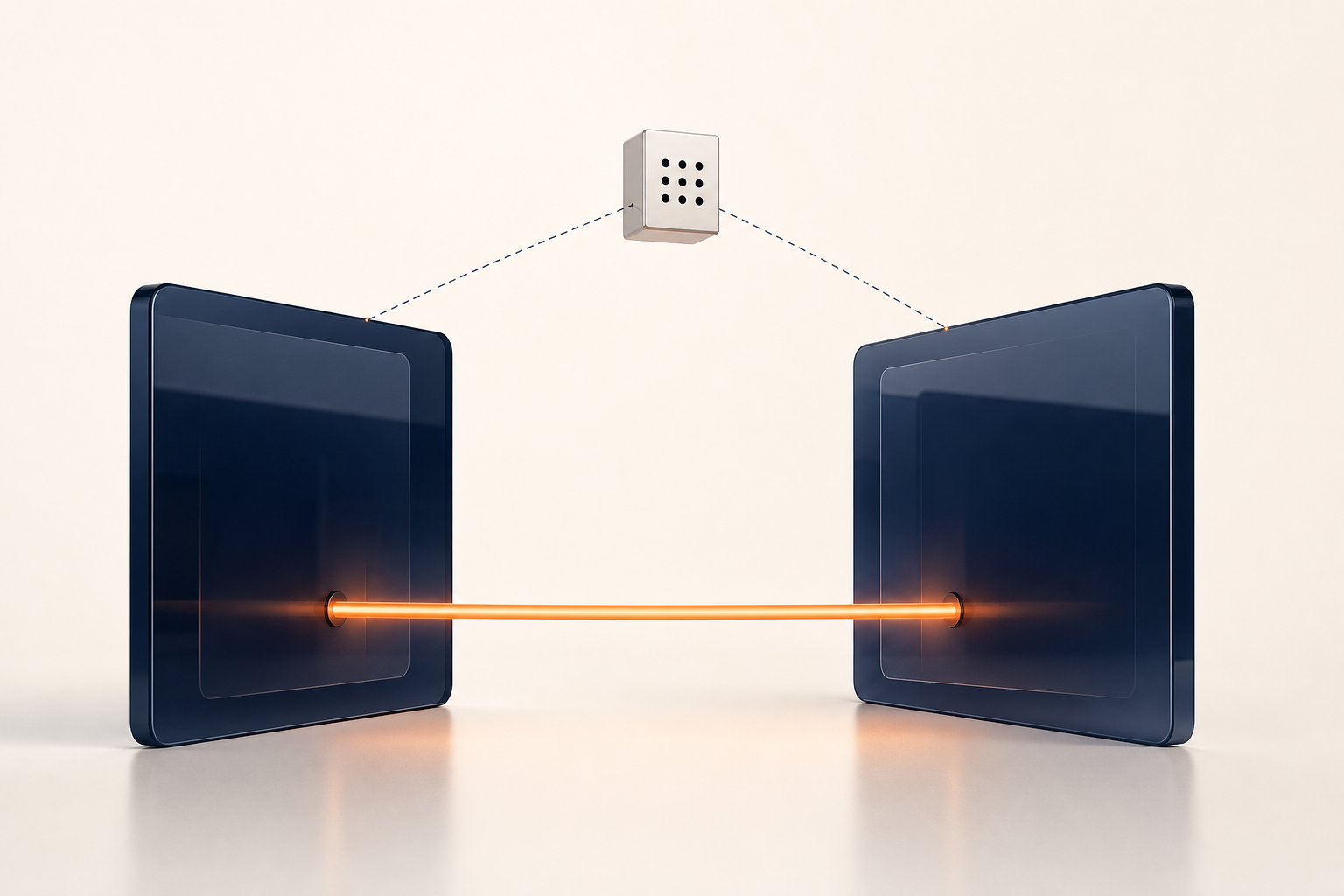
Peer-to-peer screen sharing still needs an introduction. Before two browsers can send media directly, they must exchange enough information to agree on formats, verify encryption fingerprints, and test possible network routes. They do not know where to send that setup information until an application gives them a meeting point.
That meeting point is the signaling server. Linkside uses one to introduce the browsers and pass setup messages between them. On the normal direct path, the screen and audio then travel browser to browser. If a restrictive network blocks that path, Linkside can instead carry the encrypted packets through a TURN relay. Signaling and relaying are different jobs; this post is about the first one.
WebRTC left signaling out on purpose
The WebRTC standards define how browsers negotiate and secure media, but they do not prescribe how an app carries the setup messages. RFC 8825 calls the choice of signaling protocols “outside the scope of the WebRTC protocol suite.” JSEP, the specification for controlling a WebRTC session, likewise leaves signaling behavior to the application.
MDN’s signaling guide puts it memorably: an app can carry signaling over “anything you like, from WebSocket to fetch() to carrier pigeons.” Linkside uses a Cloudflare Worker. Each 10-character room ID maps to one Durable Object that holds that room’s live signaling state. Browsers normally connect over WebSocket; if that socket is unavailable, the client falls back to REST requests and polling.
What actually crosses the wire
Linkside accepts three kinds of WebRTC setup message. The worker also handles room controls such as microphone status and host actions, but those are application events rather than WebRTC negotiation.
| Message | What it carries | What the worker does |
|---|---|---|
offer |
An SDP string proposing media and transport settings, including a certificate fingerprint | Checks the envelope and recipient; relays the SDP unchanged |
answer |
The other browser’s SDP response | Checks the envelope and recipient; relays the SDP unchanged |
ice_candidate |
One possible network route, including protocol, address, and port | Checks the envelope and recipient; relays the candidate |
The offer and the answer
Connection setup follows the SDP offer/answer model: one browser proposes a session description and the other responds. The descriptions give the browsers the media and transport settings they need, plus the certificate fingerprints used to check the later DTLS handshake.
Linkside does not interpret those SDP details. The offer schema in packages/protocol/src/index.ts requires a room, a sender, a recipient, and a non-empty SDP string:
export const rtcOfferSignalSchema = relayEnvelopeSchema.extend({
  kind: z.literal('offer'),
  toParticipantId: participantIdSchema,
  sdp: z.string().min(1),
});
The worker validates that the sender and recipient are current room participants, then stores and forwards the SDP string unchanged. Calling SDP “opaque” here does not mean it is hidden from the server; it means the application does not parse the string into codecs, fingerprints, or other SDP fields.
ICE candidates, one at a time
Alongside the offer and answer, each browser sends ICE candidates: possible ways for the other browser to reach it. A candidate describes a protocol, network address, port, and route type. Some candidates can expose an IP address to the signaling service; others describe a STUN-discovered or TURN-relayed route.
With trickle ICE, browsers exchange candidates as they discover them instead of waiting for the complete list. That lets connectivity checks begin sooner. The standard requires the signaling channel to deliver each candidate exactly once and in order. Linkside assigns cursors to a bounded, per-room event log so a client can request events after the last cursor it processed.
If you want the full choreography from click to pixels, we walked it end to end in How Peer-to-Peer Screen Sharing Actually Works.
What the server can see — and what it can’t
The signaling worker sees that a room exists, the temporary in-room nicknames, join and leave timing, session duration, and the signaling messages above. Those messages contain SDP metadata and candidate strings, which can include network addresses. The worker also receives the host’s country code from Cloudflare; Cloudflare’s edge necessarily sees IP-level traffic to the service. None of this is the shared screen, but it is still operational metadata worth naming.
The worker cannot see the screen or hear the audio because media does not travel through it. Linkside tries a direct browser-to-browser WebRTC path first. WebRTC requires media encryption, and the browsers derive the media keys during their DTLS handshake. If Linkside has to use its TURN fallback, the relay routes encrypted packets without holding those keys. The longer explanation is in Is Screen Sharing Encrypted?.
There is still a trust boundary. WebRTC’s security architecture warns that a signaling provider could try a man-in-the-middle attack by replacing the certificate fingerprints when users have no independent way to verify them. Linkside does not ask users to compare fingerprints or use an external identity service. You therefore trust Linkside to relay those fingerprints unchanged. The current worker does exactly that and has no role in decrypting media, but encryption should not be presented as eliminating trust in the signaling operator.
How a room dies
Linkside’s live room state is temporary. Activity refreshes a 15-minute timer. If the room sits idle for that long, it expires. An expired or host-ended room remains as a tombstone for five minutes so someone arriving late gets a useful explanation instead of a mystery 404. The Durable Object then deletes the room record, including its offer, answer, and candidate history. When the host explicitly leaves, the room ends for everyone rather than remaining available for reuse.
That deletion claim is deliberately narrow: it covers the room record and signaling history. It does not mean Linkside observed nothing while operating the session. The service necessarily sees rough join timing and duration, and Linkside does not pair those observations with an account identity or retain them long-term.
Scaffolding, not infrastructure
A signaling server is closer to a switchboard than a broadcast tower. It passes the setup information that lets browsers agree on a route; it does not carry the screen or audio on Linkside’s direct path. If direct networking fails, the TURN relay carries encrypted packets, still without the media keys.
That is what peer-to-peer-first means here: Linkside prefers the direct media path, keeps signaling state temporary, and is plain about the server metadata that remains necessary. Create a room and the signaling worker will make the introduction.